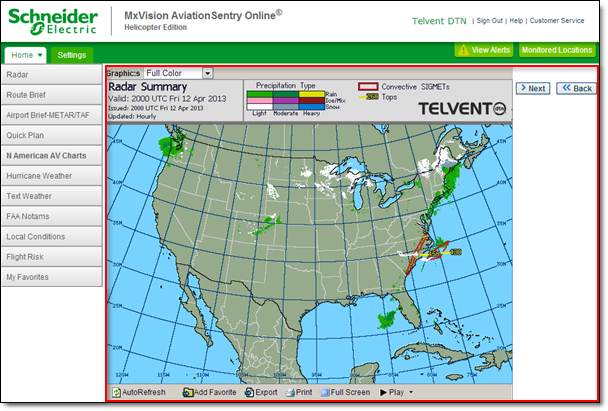
The content display encompasses the majority of the screen. The content you select from either the buttons or Menus will appear in the content display, shown here outlined in red.
The content display is also used to display thumbnails for some menu items. These thumbnails are used to select specific graphics and reports. If a series of thumbnails appear, click the one you are interested in and the content will appear. Thumbnails with a folder represent an additional series of thumbnails. Continue to select thumbnails until the content is displayed.