You have been automatically updated to the latest version of MxVision
AviationSentry Online
We have reorganized all of the Layer menus to be more user friendly and structured in a logical manner for aviation users to make everything easier to find.
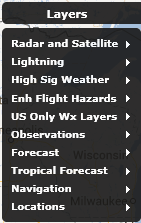
Main level menu – Layers
This top level menu has been reorganized in order to help users find what they are looking for more quickly and intuitively. There are now multiple sub-menu items that contain logical groupings of weather layers. We will look at the contents of each of the sub-menus below.
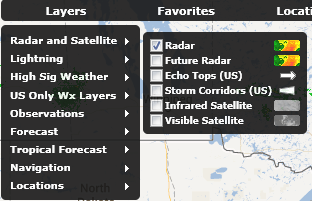
Sub Menu – Radar and Satellite
This sub-menu contains all relevant layers allowing users to quickly identify storms or approaching storms. It contains Radar, Future Radar, US Only Echo Tops and Storm Corridors, Infrared and Visible Satellite
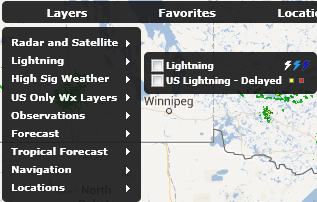
Sub Menu – Lightning
This sub-menu contains lightning layers both real time and delayed lightning layers. Please note that the Lightning (Real time) is only available to users that have subscribed to the optional service or are AviationSentry Professional or Platinum edition users.
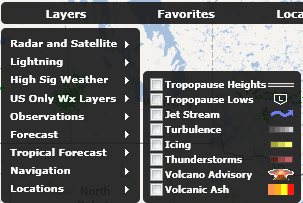
Sub Menu – High Sig Weather (All editions except Helicopter)
This sub-menu contains all of the High Sig Weather layers to allow users to quickly create dynamic map displays containing all required significant weather information to help determine impacts on upcoming flights. Please note that we will be adding very shortly Pressure Centers and Fronts to this menu once available
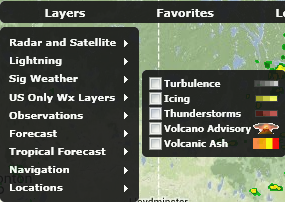
Sub Menu – Sig Weather (All Helicopter editions only)
This sub-menu contains all of the Sig Weather layers relevant to helicopter operators to allow users to quickly create dynamic map displays containing all required significant weather information to help determine impacts on upcoming flights. Please note that we will be adding very shortly Pressure Centers and Fronts to this menu once available
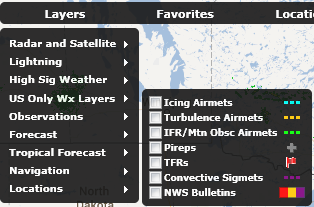
Sub Menu – US Only Wx Layers
This sub-menu contains the weather layers that are only available for the United States and are not offered for other regions of the globe at the present time.
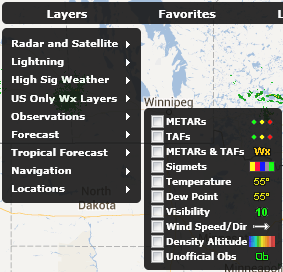
Sub Menu – Observations
This sub-menu contains current weather observation layers only with the exception of the TAF layer. The TAF layer has been grouped in this category to be with the METAR layer to allow users to find these layers together. We have also added the Density Altitude layer to all non-helicopter editions.
Sub Menu – Forecasts
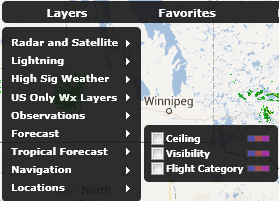
This sub-menu contains the industry most accurate Ceiling, Visibility and Flight Category forecasts that cover North America as well as Europe
Sub Menu – Tropical Forecast
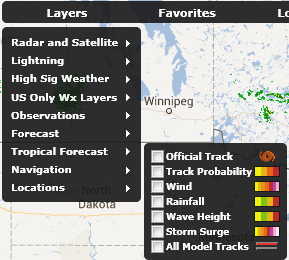
This sub-menu contains all layers related to our Global tropical forecasts for Hurricanes, Cyclones and tropical storms.
Sub Menu – Navigation
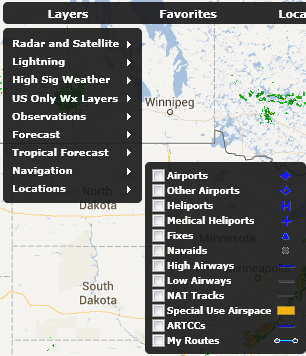
This sub-menu contains the layers that are related to navigation flight data only available for the United States and Europe at this time. A global set will be available before the end of this year.
Sub Menu – Locations
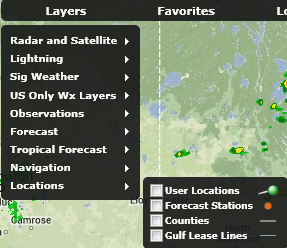
This sub-menu contains the weather layers that are related to user locations, forecast stations and US counties. There is also a layer only available in all Helicopter editions that is Gulf Lease Lines.
Sub Menu – Enh Flight Hazards (Platinum Edition level only)
This sub-menu contains Schneider Electric’s newest and fully patented Enhanced set of Aviation Flight Hazards that are now available in our Platinum Edition of AviationSentry Online platform. This sub-menu is only visible to users that subscribe to the Platinum Editions.
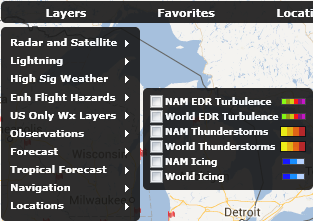
Within this new release of AviationSentry Online, we are introducing many new weather layers to help you get a more complete view of weather conditions within our tool thus avoiding the need to refer to other sources to complete the required weather briefing information you need.
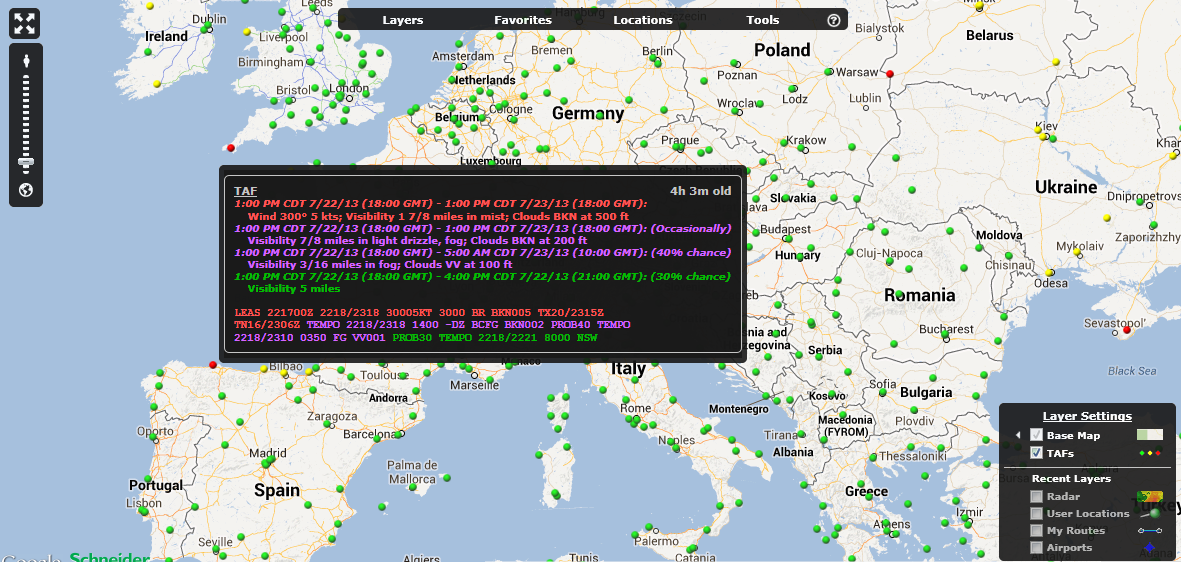
Global colorized TAF Layer - TAFs
This layer depicts both graphically and color coded TAF conditions for all locations available on a global basis. The color shown on the map indicates the Flight Category of the first TAF period. The users can hover over any TAF and get a detailed TAF for the location with all TAF periods colorized to the appropriate flight category.
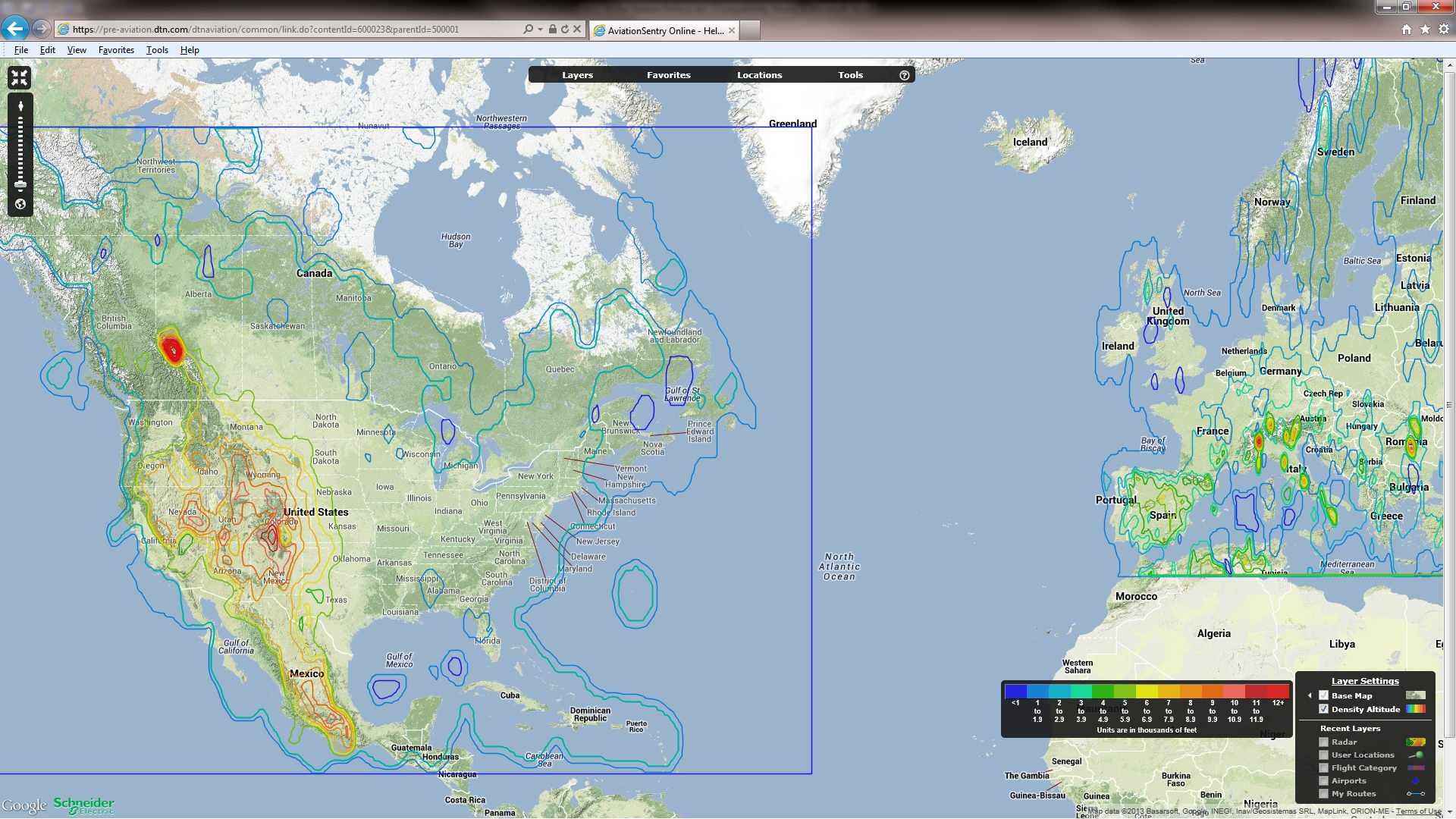
NAM and Europe Density Altitude Layer – New to all but Helicopter editions
This layer has been added to the Airline, Corporate and FBO editions of AviationSentry Online. It already was available to our helicopter edition customers.
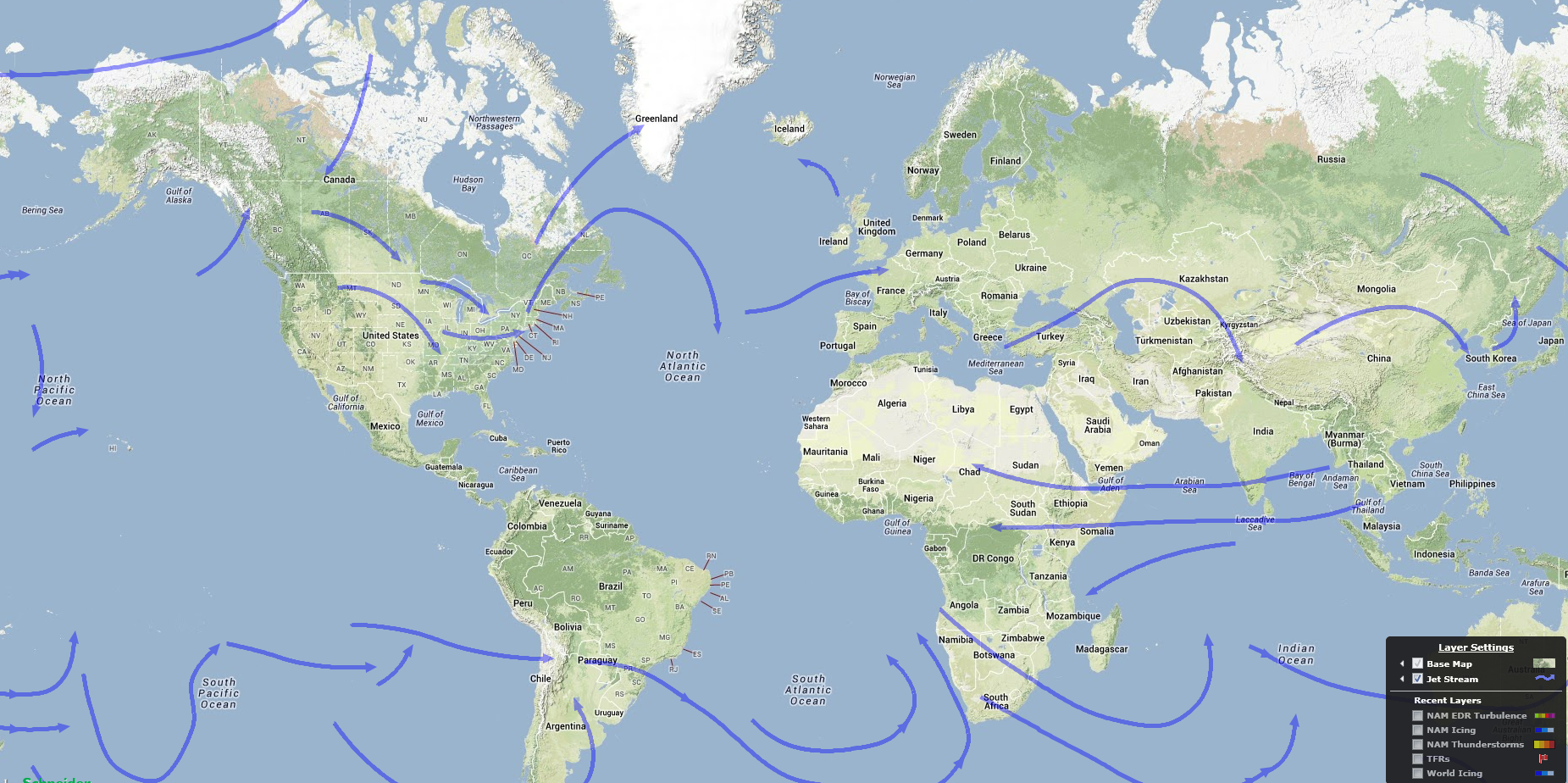
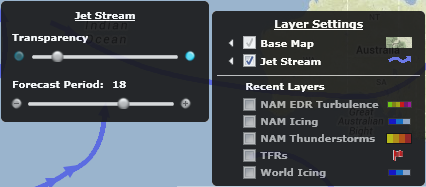
Global Forecast Jet Streams Layer – Jet Stream
This layer shows the forecasted Jet Streams on a global scale and for 4 forecast periods (6, 12, 18 and 24 hours out). The different forecast periods are available via a slider bar in the layer options as depicted below
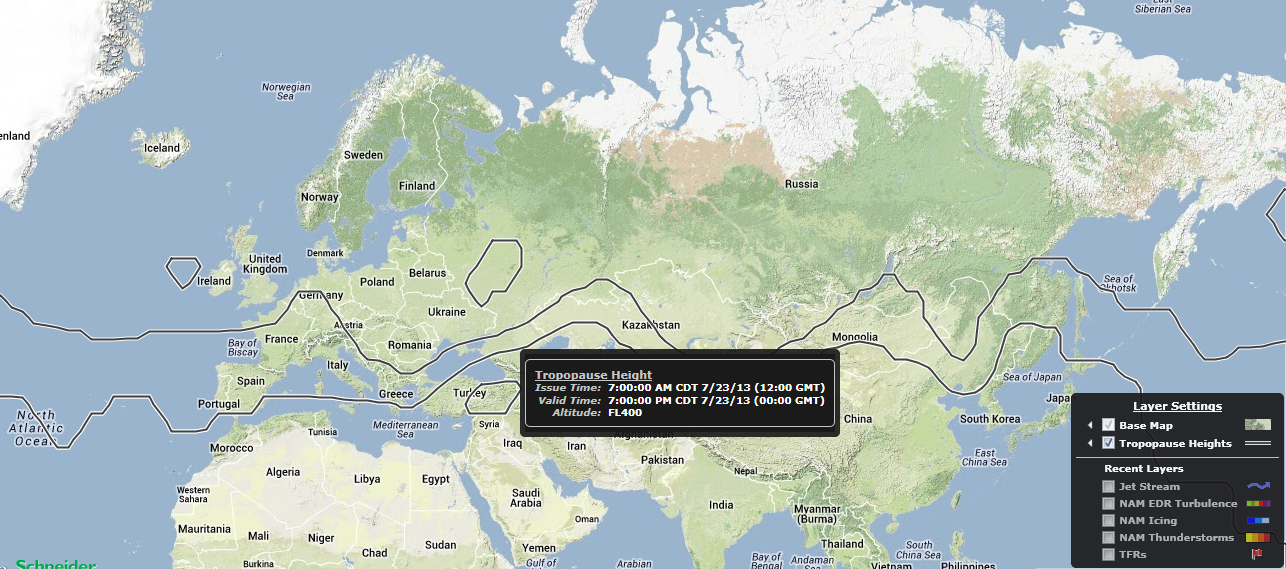
Global Forecast Tropopause Heights Layer – Tropopause Heights
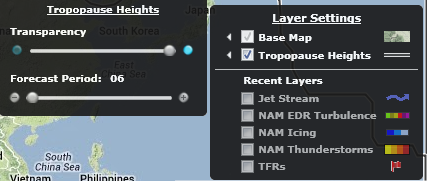
This layer shows the forecasted Tropopause Heights on a global scale and for 4 forecast periods (6, 12, 18 and 24 hours out). The different forecast periods are available via a slider bar in the layer options as depicted below
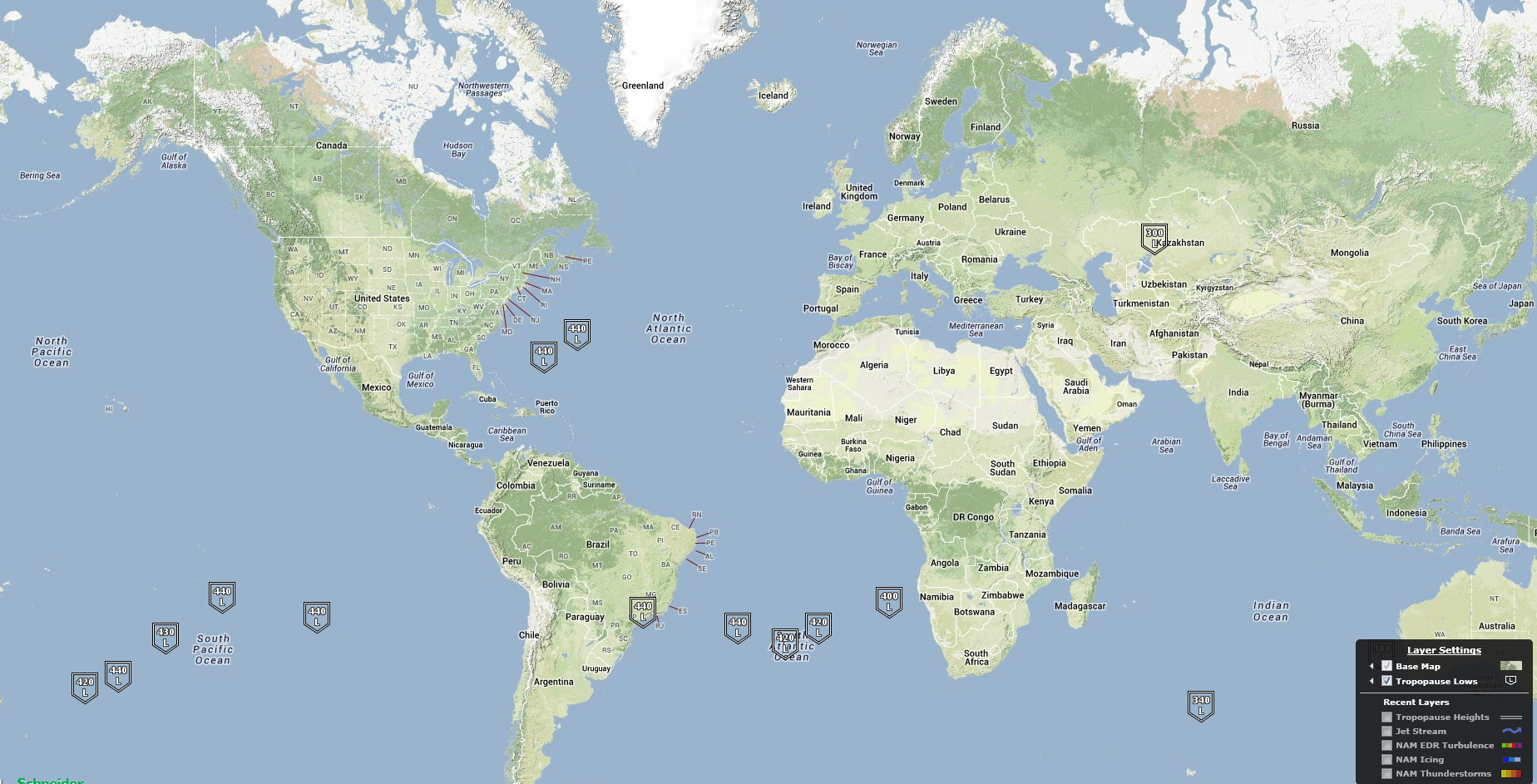
Global Forecast Tropopause Lows Layer – Tropopause Lows
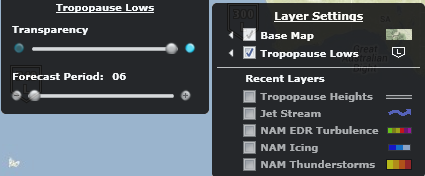
This layer shows the forecasted Tropopause Lows on a global scale and for 4 forecast periods (6, 12, 18 and 24 hours out). The different forecast periods are available via a slider bar in the layer options as depicted below
Global Forecast Pressure Centers and Fronts Layer – Fronts H/L
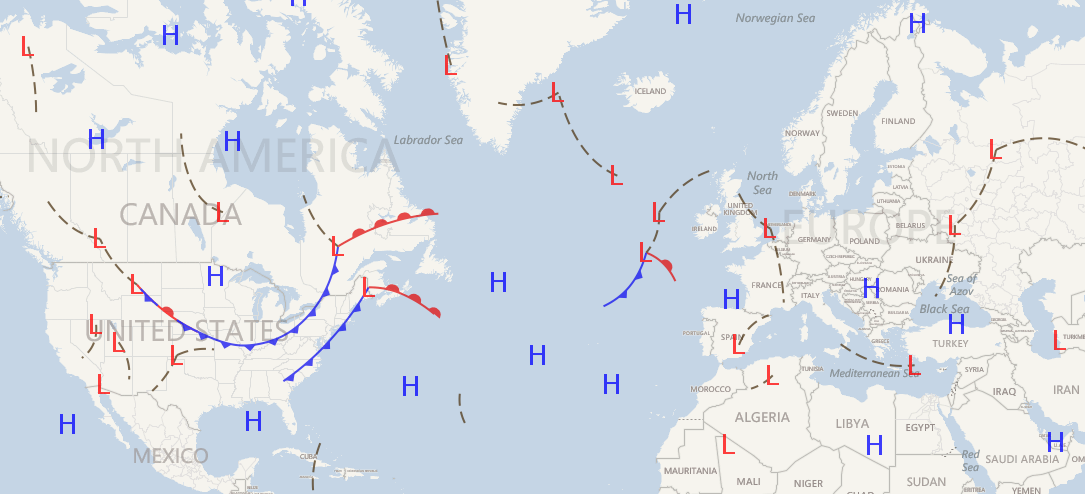
This layer shows the combined forecasted High and Low pressure centers as well the forecasted Fronts on a global scale and for 4 forecast periods (6, 12, 18 and 24 hours out). The different forecast periods are available via a slider bar in the layer options as depicted below. Please note that this layer will be available by end of August 2013 only without a need to release a new version of our software, the weather will simply be added automatically.
There have been many new and exciting additions to the Layer options of several current and new layers available in AviationSentry. These options will help you get access to all the critical information you need quickly and remove much of the clutter of information that is not required.
Show Clouds below Threshold – Infrared Satellite
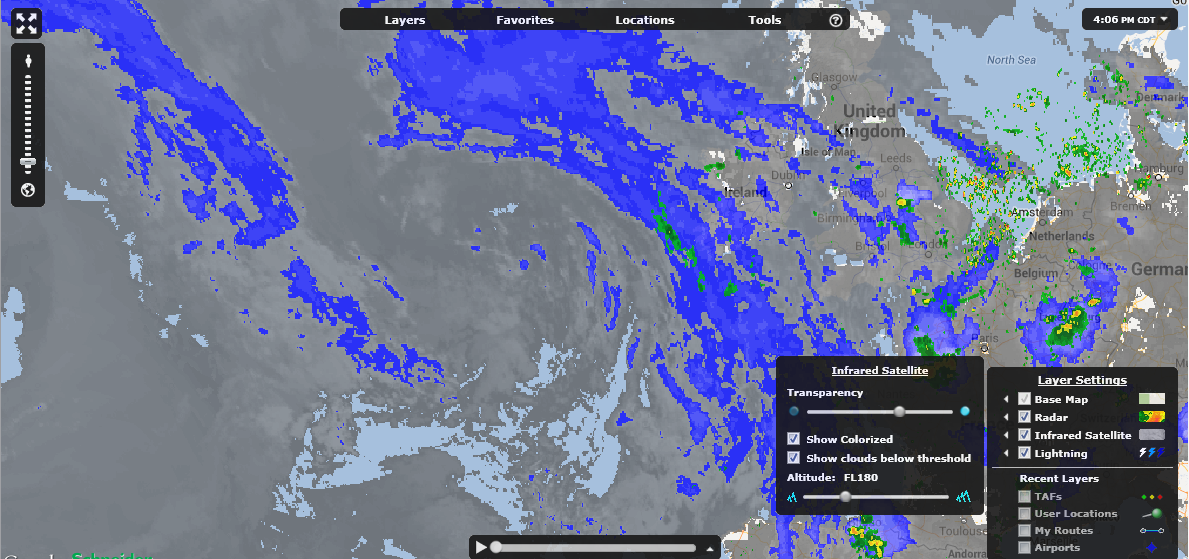
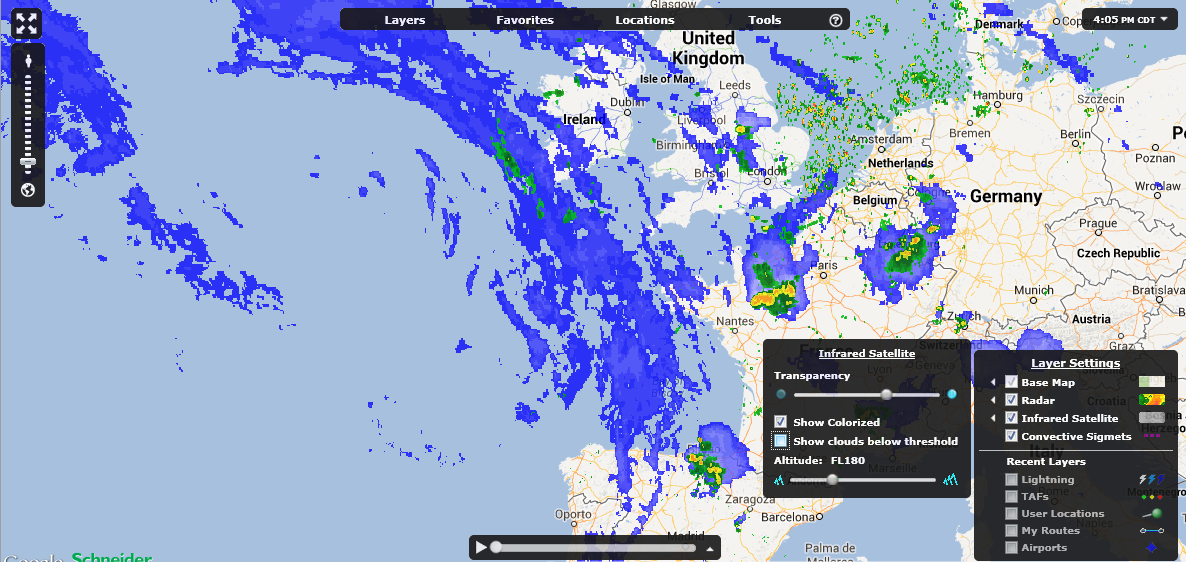
There is a new option that has been added to the Infrared Satellite layer to enhance the user experience by allowing them to remove clouds below their selected altitude. The current feature of colorizing the clouds remains the same but now by de-selecting the “Show clouds below threshold” the gray clouds will be removed. For all of our Helicopter users, no worries you are still able to show low clouds as before.
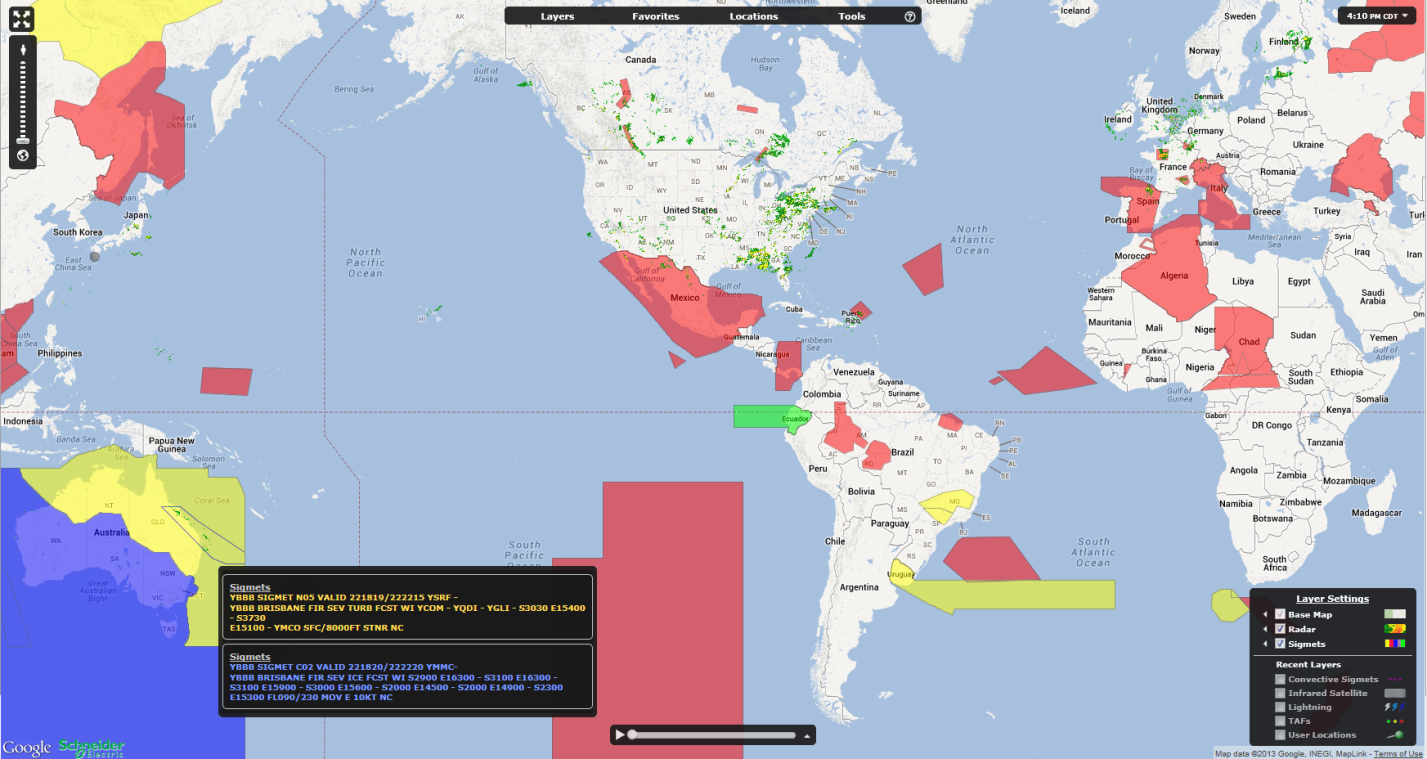
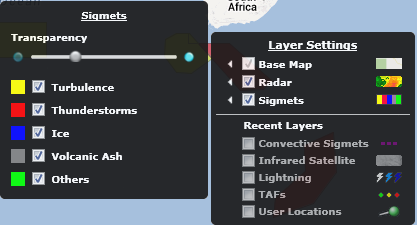
Colorized Sigmets and filtering – Sigmets
This version of AviationSentry introduces colorized Sigmets to indicate the classification of each Sigmet graphically without having to select each one on the map to view the type. We have also introduced the possibility for users to select only the types of Sigmets that they want to see on the map thus avoiding unwanted clutter. When users hover over areas where multiple Sigmets are present, ASO will now display tooltips for ALL Sigmets and not just the top most Sigmet, the tooltip text color will also match the color of the Sigmet. See the images below for the details on colors
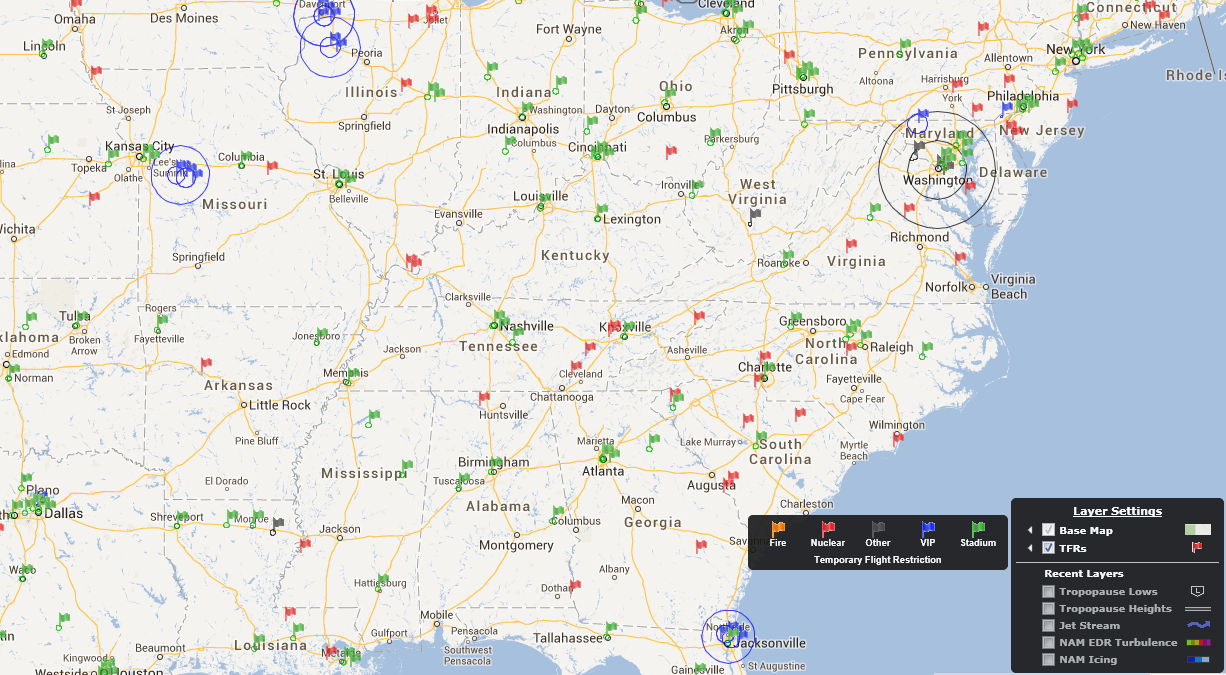
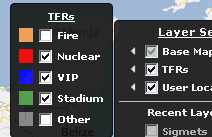
Colorized Temporary Flight Restrictions and filtering – TFRs
This version of AviationSentry introduces colorized TFRs to indicate the classification of each TFR graphically without having to select each one on the map to view the type. We have also introduced the possibility for users to select only the types of TFRs that they want to see on the map thus avoiding unwanted clutter.
Availability of 24 hourly forecast images for our current Ceiling, Visibility and Flight Category Forecast layers
This version of AviationSentry introduces a Forecast Period slider bar for the above mentioned layers to allow you to view the next 24 hourly forecast periods data to better prepare flights in the future.
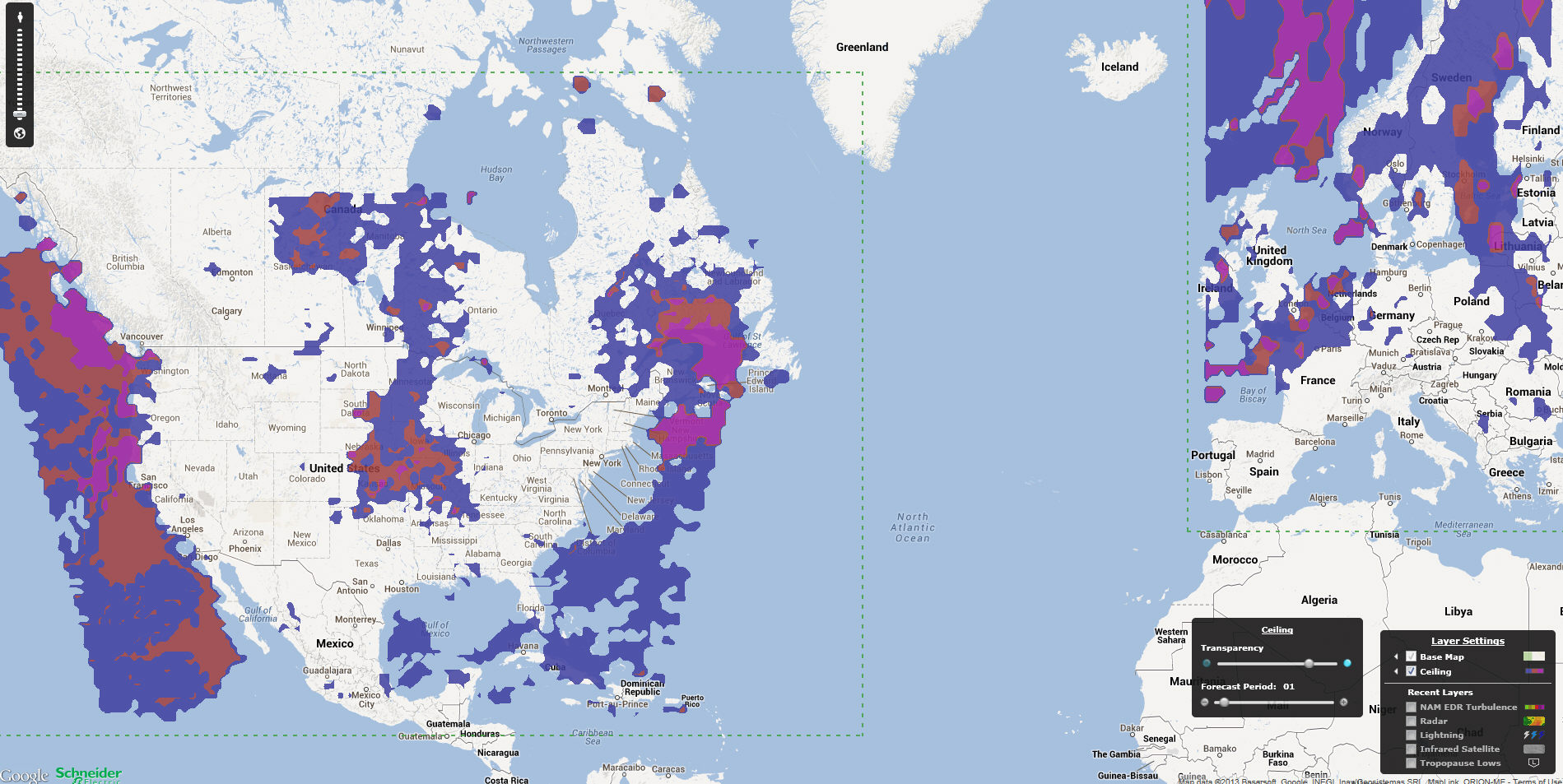
With this release of AviationSentry Online comes the most significant enhancement to your platform in quite some time and we are very excited to bring it to you. You now have access to a fully patented and industry changing set of enhanced flight hazards to help you optimize flight routes or make better go no/go flight decisions based on state of the art and comprehensive weather information. Please contact your sales representative for more information on this new and exciting product
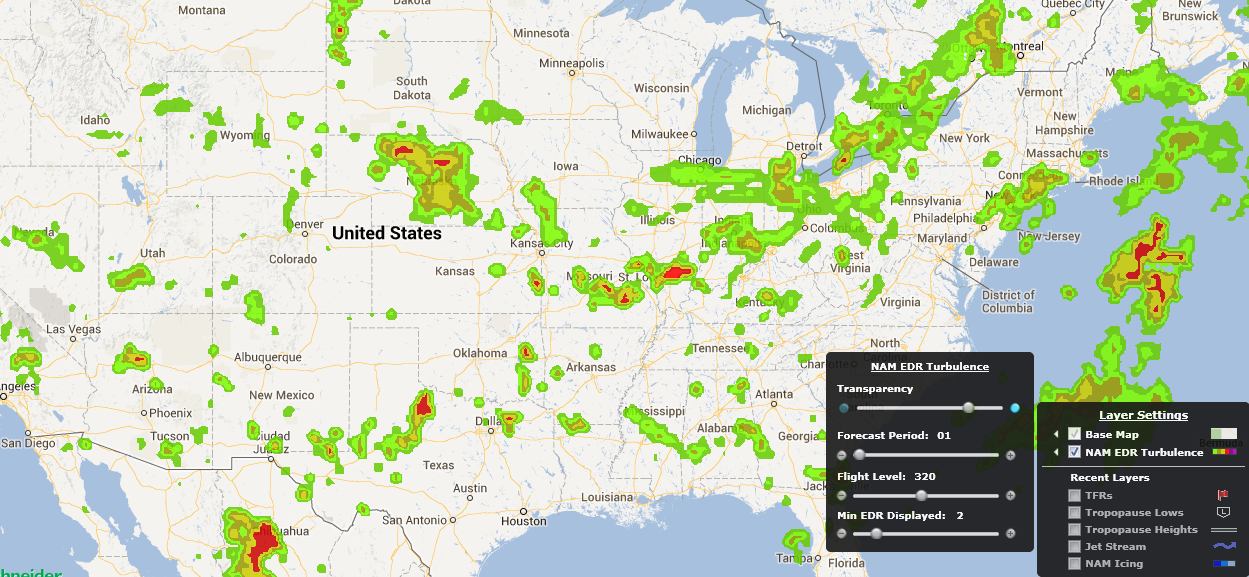
North America High Definition EDR Turbulence – NAM EDR Turbulence
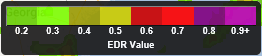
This layer provides the users with high definition forecast EDR turbulence for multiple flight levels as well as forecast periods over all of North America. The scale of EDR is from 0.1 – 1.0 (we eliminate the 0.1 and 1).
The Minimum EDR value to display is available by using the “Min EDR Displayed” slider bar in the Layer options.
The Forecast Periods available for this layer vary from 01 to 18 hours in the future and are available by using the “Forecast Period” slider bar in the layer options.
The Forecast Flight Levels available are 050,100,125,180,240,270,300,320,340,370,390,450,530 as well as combined layers LMAX (from SFC-FL240) and UMAX (From FL240-530) and are available by using the “Flight Level” slider bar in the layer options
Global High Definition EDR Turbulence – World EDR Turbulence
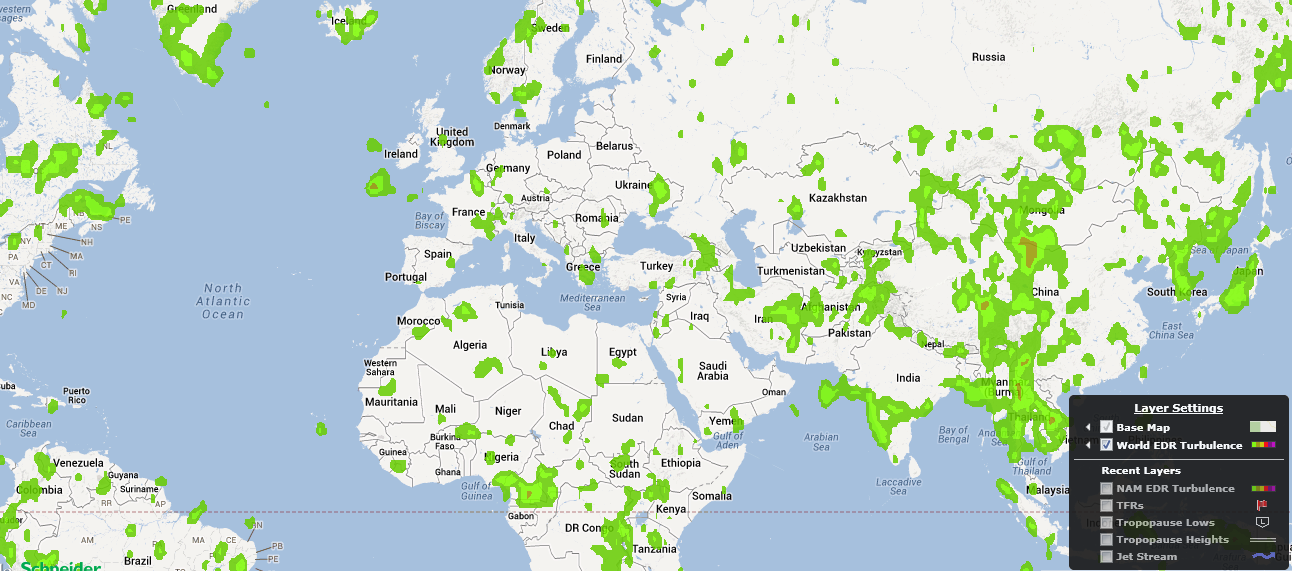
This layer provides the users with high definition forecast EDR turbulence for multiple flight levels as well as forecast periods on a global scale. The scale of EDR is from 0.1 – 1.0 (we eliminate the 0.1 and 1).
The Minimum EDR value to display is available by using the “Min EDR Displayed” slider bar in the Layer options.
The Forecast Periods available for this layer vary from 06 to 36 hours in the future and are available by using the “Forecast Period” slider bar in the layer options.
The Forecast Flight Levels available are 050,100,125,180,240,270,300,320,340,370,390,450,530 as well as combined layers LMAX (from SFC-FL240) and UMAX (From FL240-530) and are available by using the “Flight Level” slider bar in the layer options
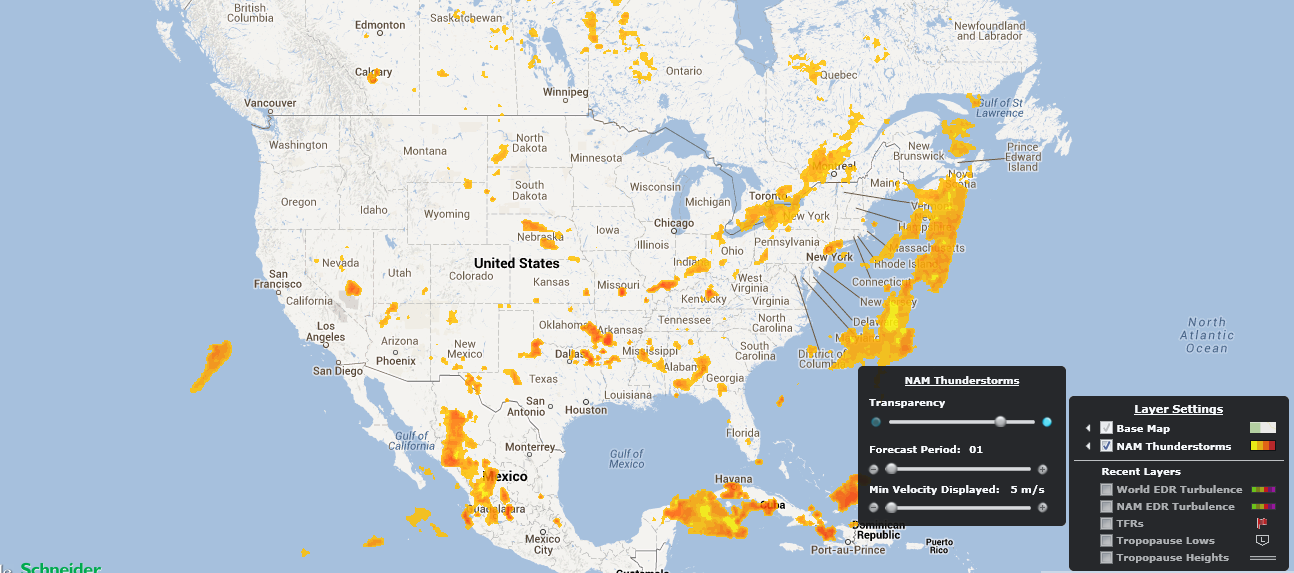
North American High Definition Thunderstorm – NAM Thunderstorms
This layer provides the users with high definition forecast convective activity and intensity for multiple forecast periods that covers all of North America. The scale of Convective Intensity is from 5-50+ Meters/Second of Vertical Velocity. The higher the number the more intense activity is forecasted.
The Minimum Vertical Velocity value to display is available by using the “Min Velocity Displayed” slider bar in the Layer options.
The Forecast Periods available for this layer vary from 01 to 18 hours in the future and are available by using the “Forecast Period” slider bar in the layer options.

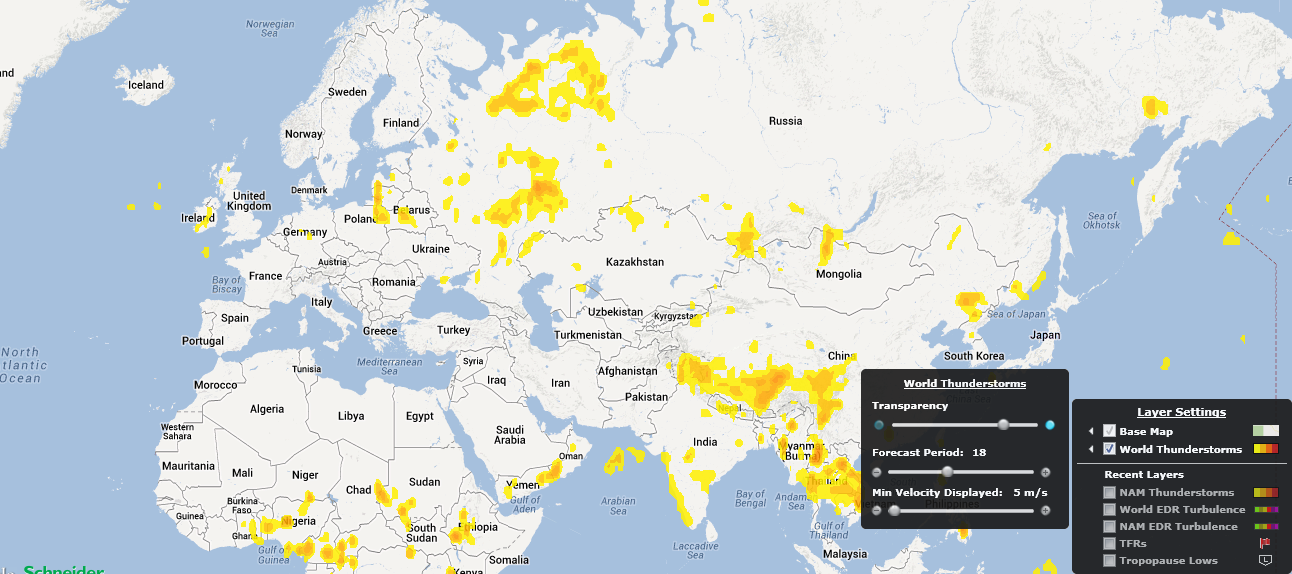
Global High Definition Thunderstorm – World Thunderstorms
This layer provides the users with high definition forecast convective activity and intensity for multiple forecast periods that covers a global scale. The scale of Convective Intensity is from 5-50+ Meters/Second of Vertical Velocity. The higher the number the more intense activity is forecasted.
The Minimum Vertical Velocity value to display is available by using the “Min Velocity Displayed” slider bar in the Layer options.
The Forecast Periods available for this layer vary from 06 to 36 hours in the future and are available by using the “Forecast Period” slider bar in the layer options.
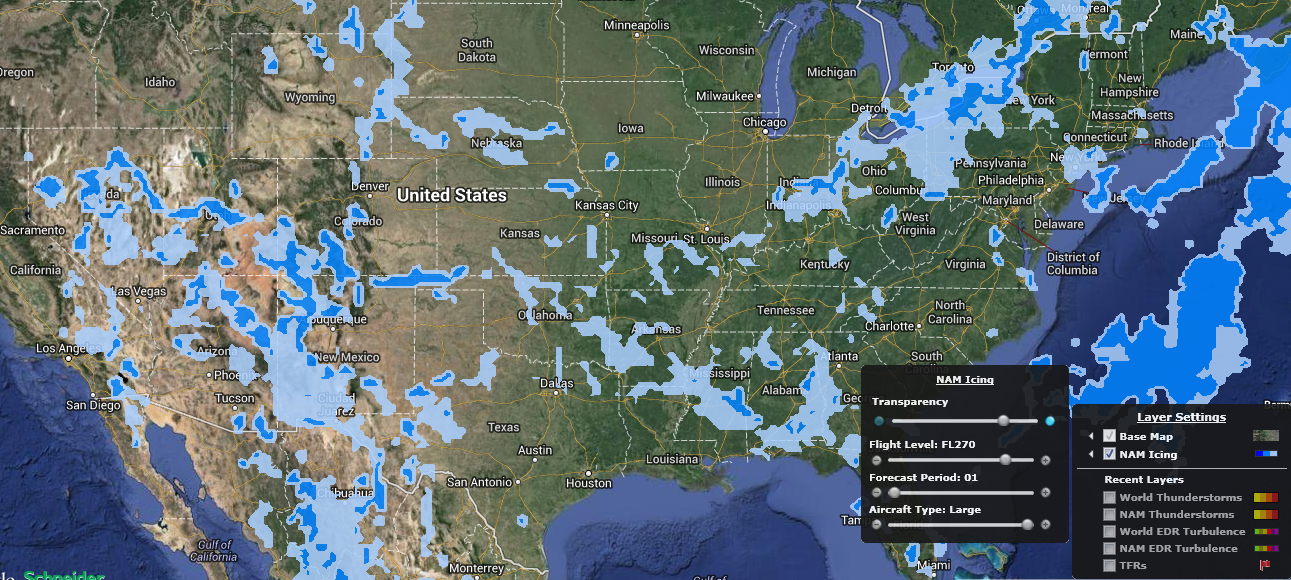
North America High Definition Icing – NAM Icing
This layer provides the users with high definition forecast Icing for multiple flight levels as well as forecast periods over all of North America. There are specific forecast for Small, Medium and Large Aircrafts
The Forecast Periods available for this layer vary from 01 to 18 hours in the future and are available by using the “Forecast Period” slider bar in the layer options.
The Forecast Flight Levels available are 050,100,140,180,240,270 as well as a combined MAX (from SFC-FL270) and are available by using the “Flight Level” slider bar in the layer options
The Icing forecasts for the available aircraft types (Small, Medium and Large) are available by using the “Aircraft Type” slider bar in the layer options
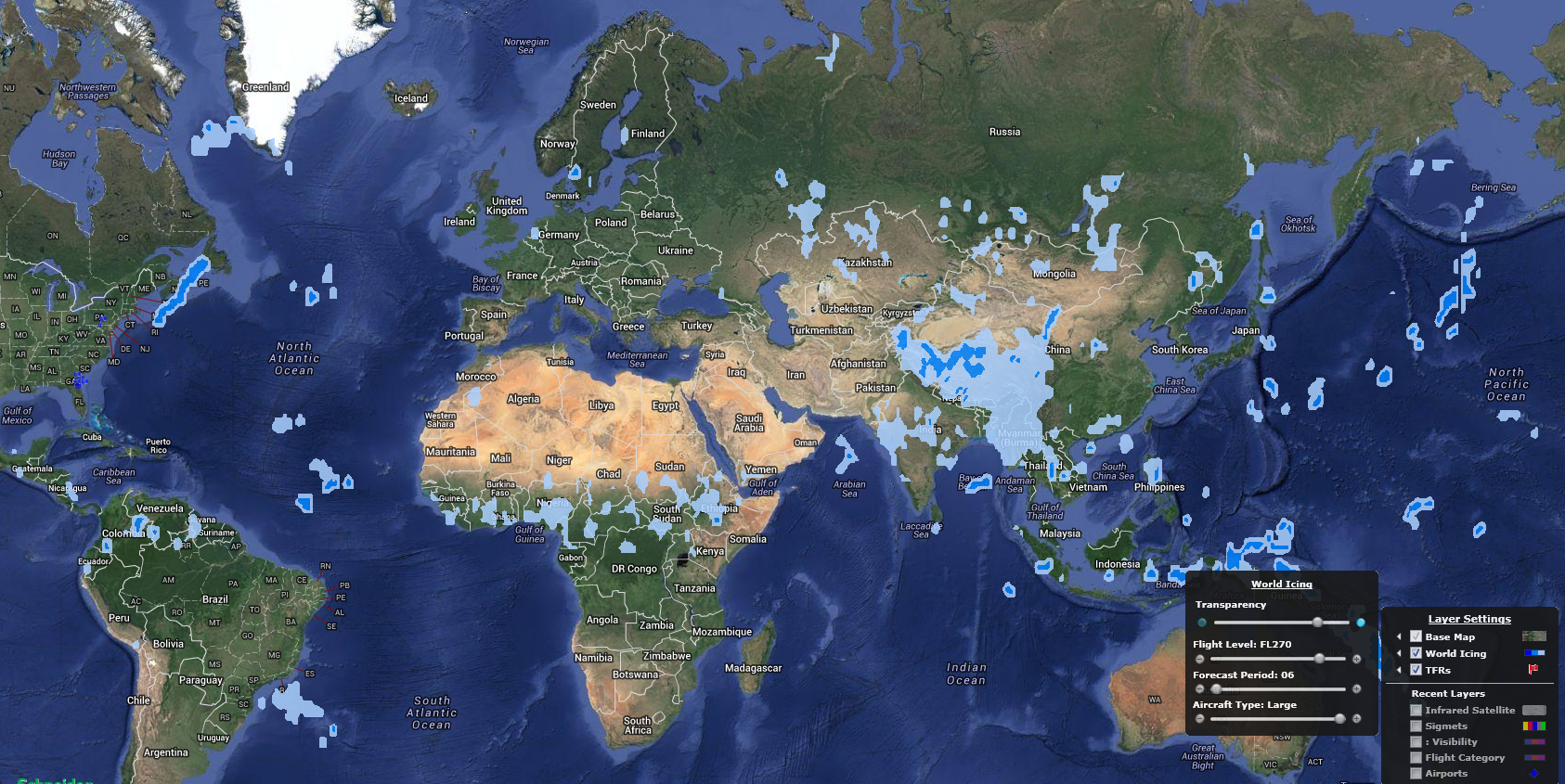
Global High Definition Icing – World Icing
This layer provides the users with high definition forecast Icing for multiple flight levels as well as forecast periods on a global scale. There are specific forecast for Small, Medium and Large Aircrafts
The Forecast Periods available for this layer vary from 06 to 36 hours in the future and are available by using the “Forecast Period” slider bar in the layer options.
The Forecast Flight Levels available are 050,100,140,180,240,270 as well as a combined MAX (from SFC-FL270) and are available by using the “Flight Level” slider bar in the layer options
The Icing forecasts for the available aircraft types (Small, Medium and Large) are available by using the “Aircraft Type” slider bar in the layer options
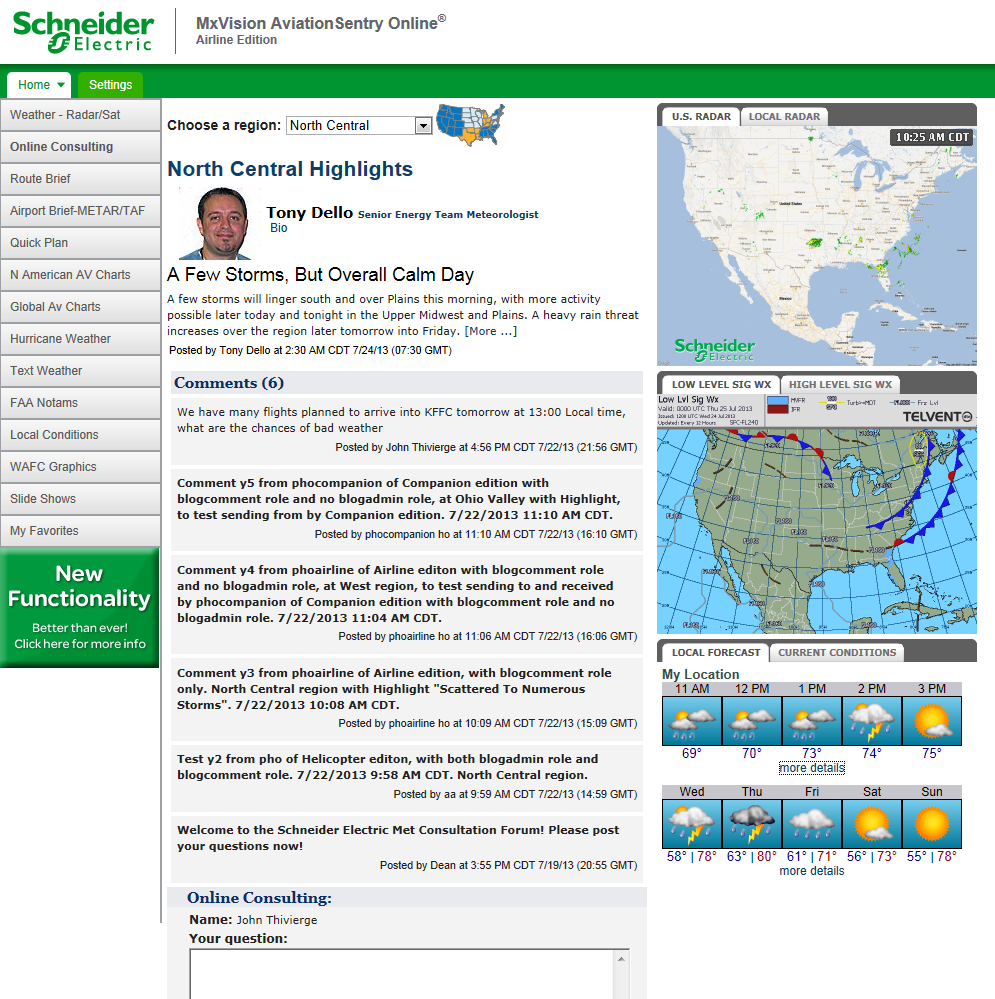
In all Platinum Edition of AviationSentry Online 7.4 there is a new feature called “Online Consulting” that allows users to ask questions directly to our meteorologists via a blog interface. There are weather outlooks updated twice a day by degreed mets for 7 geographical US regions. In the right section of the screen we also provide quick access to weather charts and maps relevant to Aviation as well to the user location. You can post a question in the "Online Consulting" box at the bottom of the screen and you will get a response within 15 minutes from one of our Aviation Meteorologists. Please also note that your questions as well all other aviation users will be displayed here for all to see.